Tutorial · 4 steps

Achieve consistent UI
in four steps.

Drop two files into your project, run one prompt, and let your coding agent build every new screen from the same design system.

01

Download the design system pack.

After purchase, your account download page gives you a ZIP containing everything you need. Free systems expose the same files directly from the detail page.

design-system.zip

  • DESIGN.mdagent guidance
  • css/system.csstokens + styles
  • html/preview.htmlreference

You only need two files to actually integrate:

  • DESIGN.md, the rules
  • system.css, the tokens
02

Drop DESIGN.md and the stylesheet into your project.

Keep DESIGN.md at the project root so coding agents pick it up as project context. Move the generated stylesheet, system.css, anywhere in your project. Your agent will wire it up in the next step.

your-app/
  • DESIGN.md
  • package.json
  • src/
  • App.tsx
  • index.css
  • styles/
  • system.css

The folder doesn't matter. The agent finds the stylesheet and imports it correctly for your framework.

03

Run the integration prompt in your coding agent.

Open your agent of choice (Cursor, Claude Code, Codex, or another) and paste this prompt. It tells the agent to treat DESIGN.md as the source of truth, wire up the stylesheet for you, and refactor your UI to match, with no manual CSS import required.

PROMPT.mdmarkdown
Read DESIGN.md in the project root before changing UI.

1. Find the design system stylesheet (css/system.css) and wire it up for me. Detect my framework (Vite, Next.js, Remix/React Router, plain HTML, or whatever this project uses) and import the stylesheet exactly once from the app's main/global CSS, or add a <link> in the HTML head for plain HTML. Move the file somewhere sensible if needed.
2. Use the tokens, utilities, component anatomy, spacing, typography, and states described in DESIGN.md.
3. Refactor the requested UI to match the system instead of inventing a new visual style.
4. If existing components conflict with DESIGN.md, explain the conflict and choose the option that keeps the interface most consistent.
5. If html/preview.html exists, read it as a visual reference and match the structure, spacing, and component styling shown there.

04

Keep DESIGN.md in the loop for every new UI.

For long-term consistency, mention DESIGN.md in your agent's global instructions so every future UI request starts from the same rules. When you can't, append a short reminder to the prompt itself.

Option A · Global instructions

  • Cursor: add a rule in .cursor/rules or AGENTS.md
  • Claude Code: add to CLAUDE.md
  • Codex: add to AGENTS.md
  • Tell the agent: "Always read DESIGN.md before UI work."

Option B · Per-prompt reminder

PROMPT.mdmarkdown
Build the requested UI using DESIGN.md as the visual source of truth.

Follow its color tokens, typography, spacing scale, component patterns, interaction states, and accessibility guidance. Reuse styles from the imported primary stylesheet before writing new CSS.

Now pick a design system and try the tutorial.

The tutorial is the same for every system in the catalog. Start with one of these or browse the full library.

Browse all
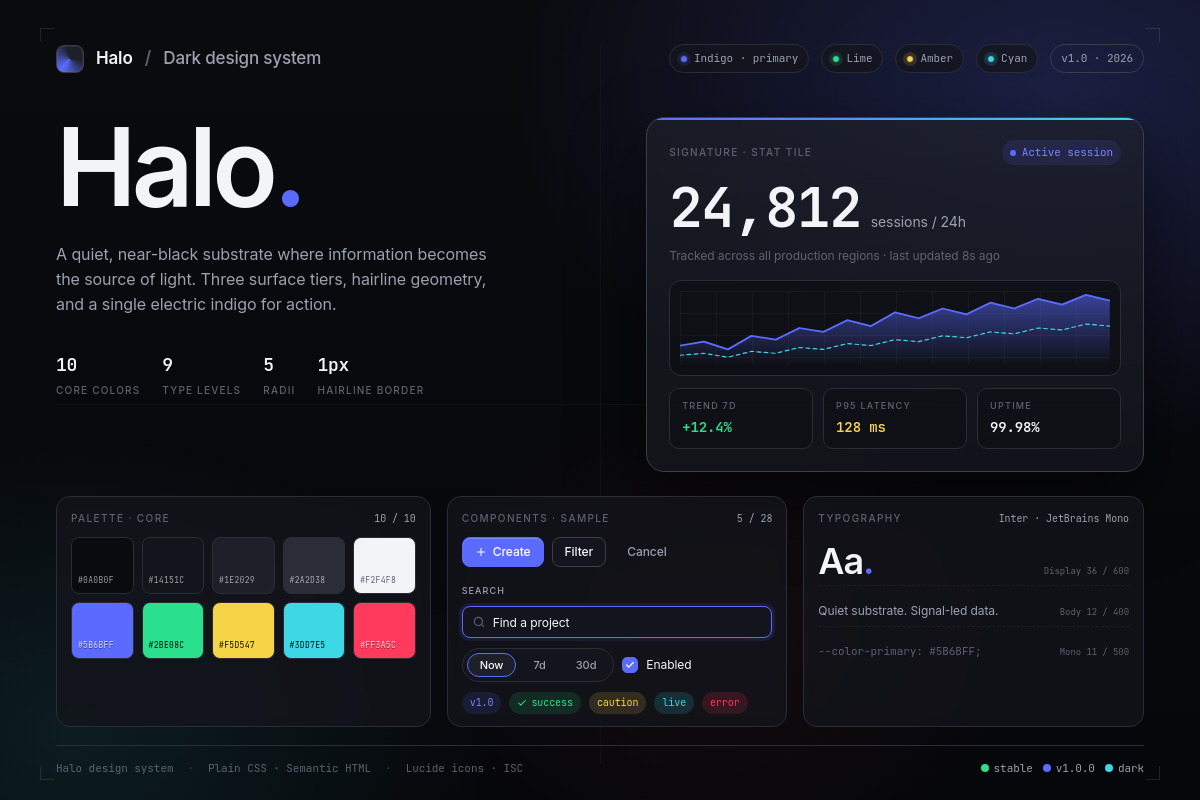
Halo cover screenshot

Halo

Free

A modern, minimal, and scalable dark design system that pairs an architectural near-black canvas with precise typography and a tight palette of vibrant signal colors for product-grade interfaces.

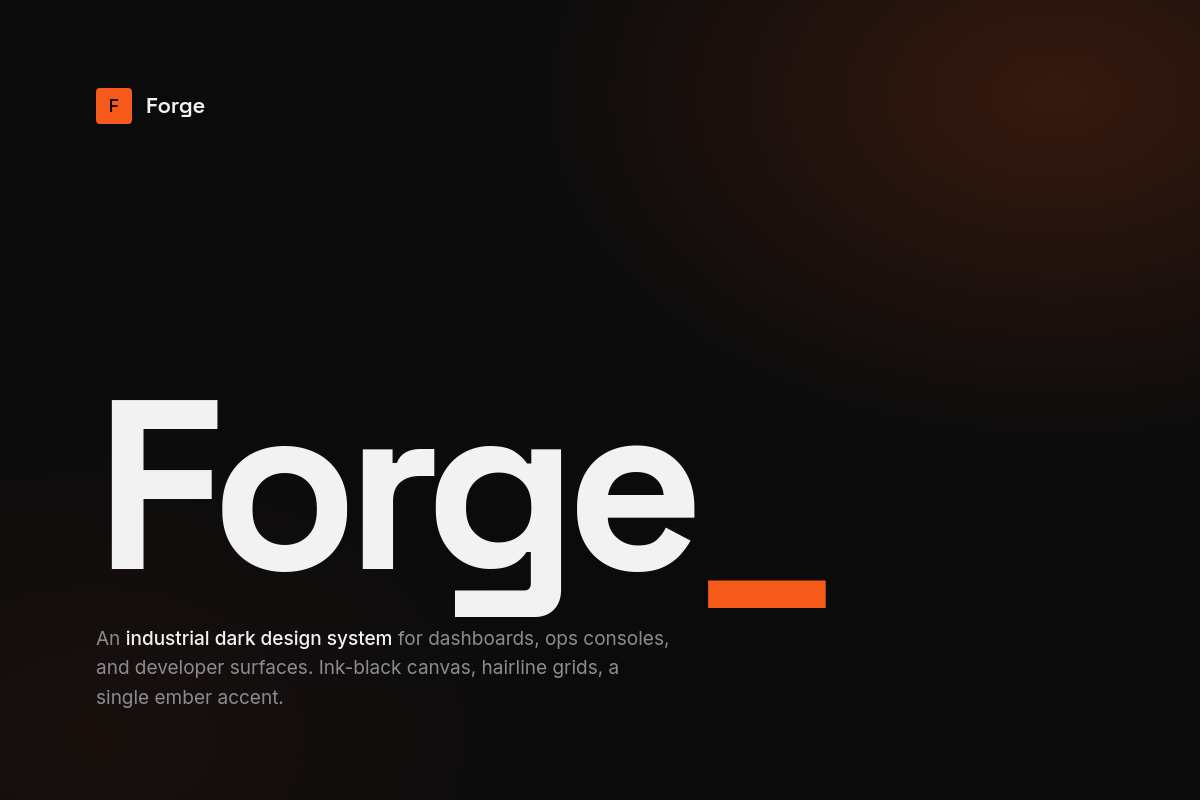
Forge cover screenshot

Forge

Premium

An industrial-grade dark design system where ember-orange ignition heats a graphite-black workspace, tuned for dense technical product surfaces.

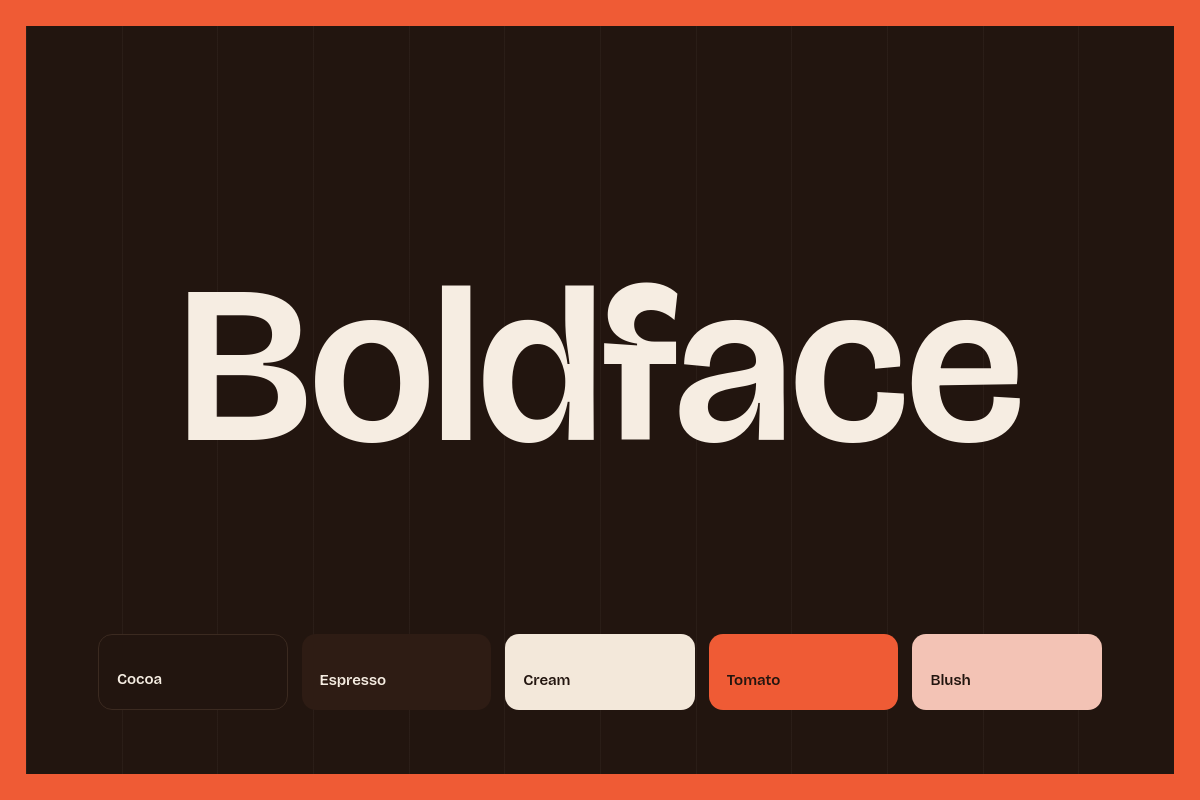
Boldface cover screenshot

Boldface

Premium

An editorial dark-mode design system for design-led portfolios and studio sites. Heavy display sans pairs with an elegant serif italic emphasis word on a deep cocoa stage, punctuated by a single tomato accent.

That's the whole loop.

Two files, one prompt, and a permanent reference for every new screen. Pick a system and try it on a real project.